
Downstage Monitor Rental New York
Rent professional downstage monitors for live events, keynotes, concerts, and corporate productions, allowing your presenters to see exactly what they need without breaking eye contact with the audience.
Downstage monitors, also known as confidence monitors or DSMs, enable speakers, performers, and hosts to view scripts, slides, lyrics, or cues while staying fully engaged with the room. Positioned at the front edge of the stage, these low-profile screens are the industry standard for conferences, live broadcasts, concerts, and high-impact corporate presentations.
We provide turnkey downstage monitor rentals that include delivery, setup, and on-site support, ensuring your production runs smoothly from rehearsal through the final cue.
What Is a Downstage Monitor?
A downstage monitor is a flat screen placed on the floor at the front edge of the stage, angled upward toward the presenter. It displays exactly what they need in real time, including slides, notes, lyrics, teleprompter feeds, timers, or show cues.
These monitors may also be referred to as confidence monitors, DSMs (downstage monitors), or rock ’n’ roll monitors. Regardless of the name, they all serve the same purpose: providing a stage-facing screen that gives your talent confidence and clarity without distracting the audience.
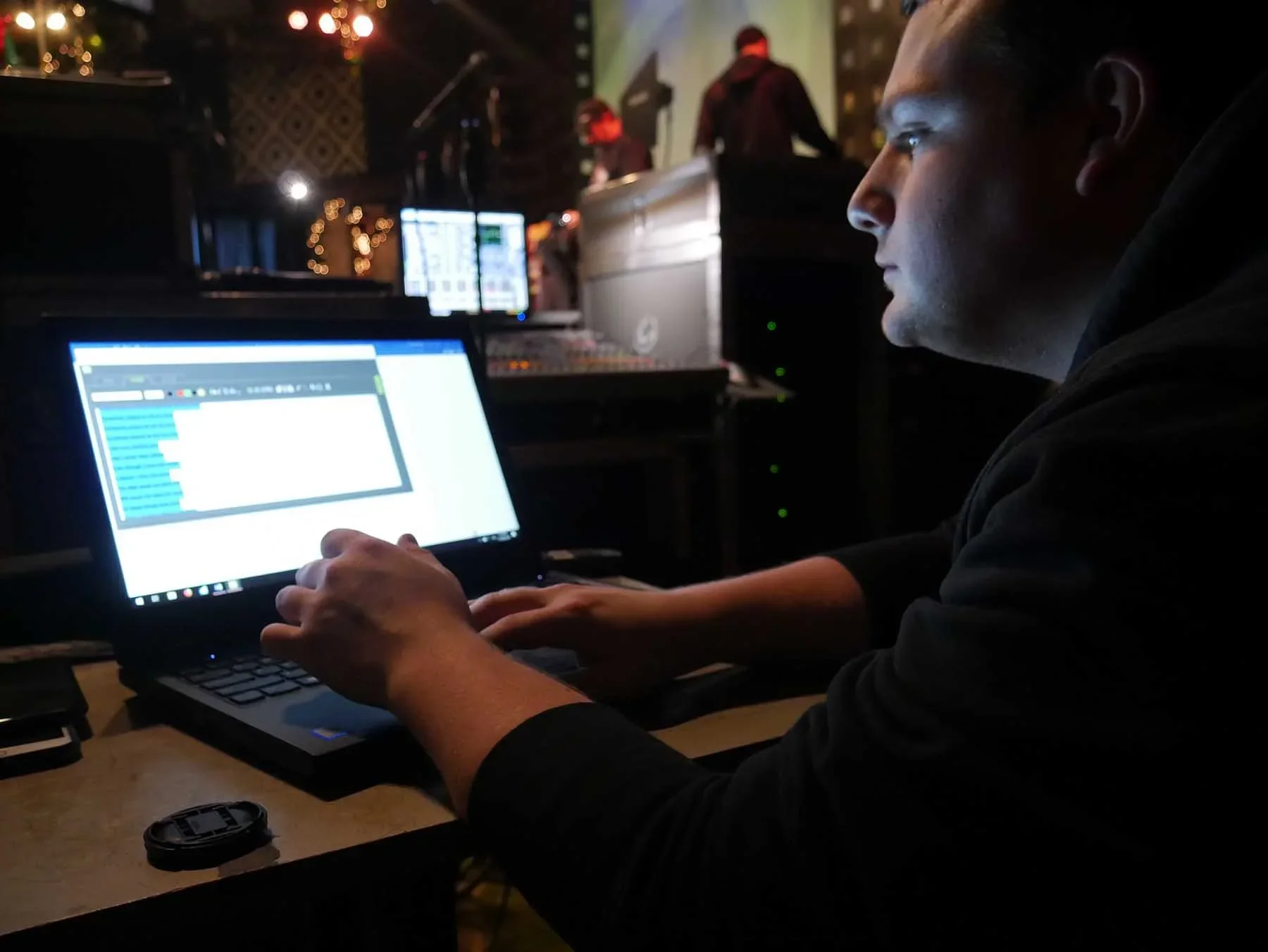
Our rate is $1,295 for a 10-hour day, which includes two downstage monitors and a professional operator. Additional monitors are available for $195 each.

When to Use a Downstage Monitor
Downstage monitors are the ideal solution when presenters need quick access to information without losing connection with the audience.
They’re especially useful when:
Speakers need to view slides or notes while moving freely on stage
Performers require lyrics or music cues during concerts or live recordings
Panelists need access to questions, names, or timing cues
Presenters want a reliable safety net for complex or high-stakes presentations
Downstage Monitor vs. Presidential Teleprompter
Not sure which option is right for your event? Here’s a simple way to decide:
Choose a downstage monitor if your presenter wants to reference slides, bullet points, or lyrics, or prefers a more natural, conversational delivery.
Choose a presidential teleprompter if the speaker needs to follow a script word-for-word while maintaining direct eye contact with the audience.
In many productions, the most effective approach is to use both presidential teleprompters for keynote speeches, and downstage monitors for panels, introductions, transitions, and other flexible segments.
Downstage Monitor: Frequently Asked Questions
1. Are “downstage monitors” and “confidence monitors” the same thing?
Yes. In most event and AV settings, the terms “downstage monitor,” “confidence monitor,” and “DSM” are used interchangeably to describe stage-facing screens that display content for the presenter, not the audience.
2. Will the audience see the monitors?
Downstage monitors are placed low and angled upward toward the presenter. When positioned correctly, they are minimally visible or not noticeable at all, especially in larger venues.
3. What can you display on a downstage monitor?
We can display a wide range of content, including slides (presenter view or mirrored), notes, lyrics, timers, teleprompter text, and custom video feeds, all tailored to your show’s specific needs.
4. Do I need an operator?
For simple slide mirroring, your existing show computer operator may be sufficient. However, for teleprompter content, multiple feeds, or complex cueing, we recommend a dedicated operator to ensure everything stays perfectly in sync.
5. Which sizes are available?
We offer a variety of screen sizes to match your stage depth and viewing distance. Once we understand your venue and layout, we’ll recommend the ideal sizes and quantities for your setup.